What Aura measures
Each photo is analysed in your browser on a downscaled copy, which keeps it fast and means nothing has to be uploaded. Aura takes four measurements:
- Exposure: whether the photo is well lit, or too dark or blown out.
- Contrast: whether it has depth between lights and shadows, or looks flat.
- Colour: how much colour the image carries.
- Sharpness: how much fine detail and edge definition it has, which is where motion blur and missed focus show up.
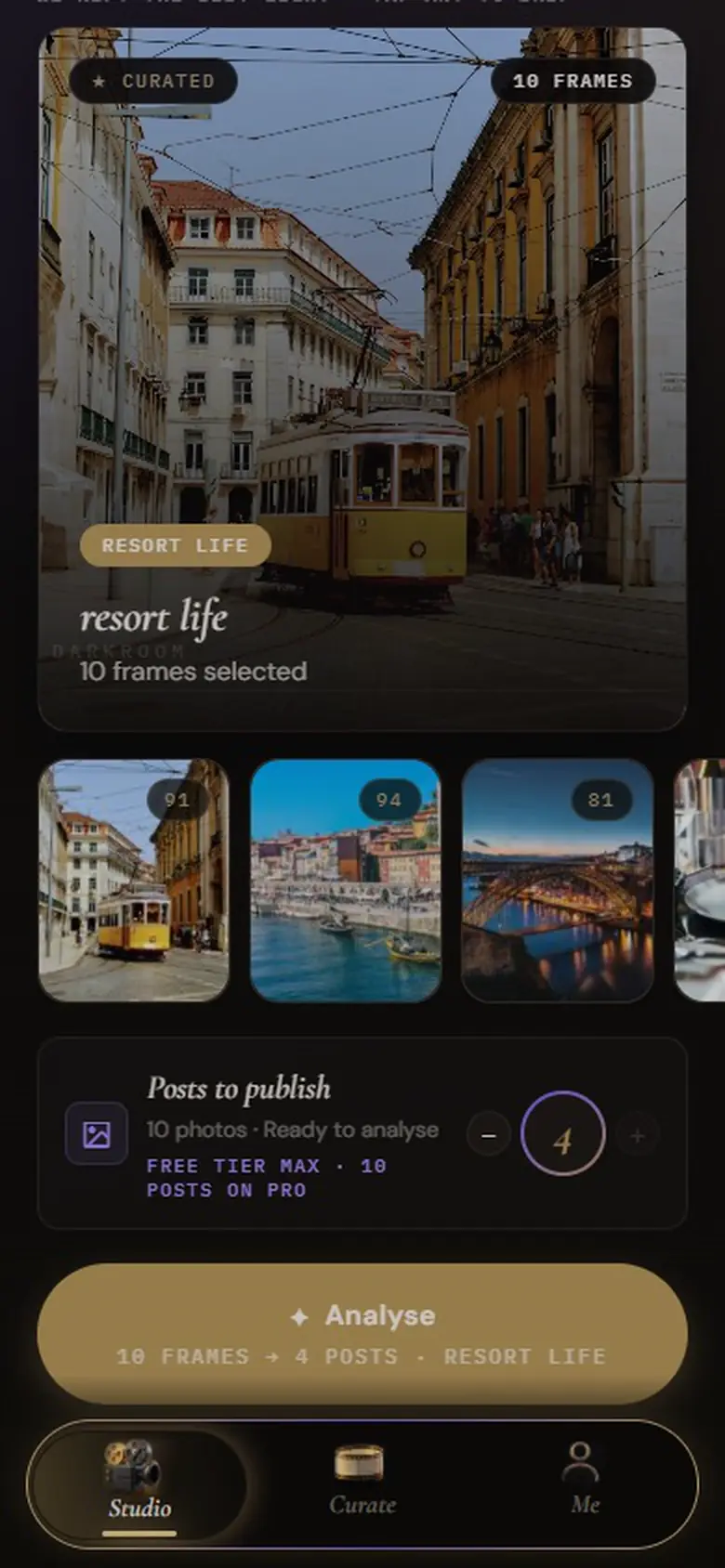
These combine into one weighted score out of 100, with a short reading such as “strong exposure, high contrast”. The roll is then ranked, and the top photos become your keepers.
What it can’t judge
Aura’s selection is image analysis, not taste. It doesn’t recognise faces or people, doesn’t judge composition, and can’t tell that two photos show the same moment. It also doesn’t know which photo matters to you: a slightly soft shot of someone you love may still belong in the post. That’s why the choice stays editable.
Where you stay in control
- Before analysis, tap any photo you already know you don’t want, and it’s skipped.
- You set the count: how many photos the post should have, up to 4 on Free and 10 on Pro.
- After analysis, the full ranked roll is still there. Swap a keeper out, bring another in, change the cover or reorder.
Every photo keeps its score and rank, so you can see why it landed where it did. Pro adds a letter grade (S, A, B or C) to each score.
Your taste, used carefully
After you’ve exported three dumps, Aura’s Me tab starts to describe your Signature Vibe from the look of the photos you actually kept. Aura uses it only to break ties between photos that score the same, so the numbers you see on screen are always the real measurements. You can hide its traits or switch it off.
Why measure instead of guess
Measurements are predictable: the same photo always gets the same reading, and the reading tells you what to fix. They also run entirely on your device, which is why Aura can promise your photos aren’t uploaded for analysis. The only AI model Aura calls is a language model for captions, and it receives text, not images.
Your photos are processed in your browser
Aura analyses, ranks, grades and crops your photos inside your browser. They aren’t uploaded to do any of that. When it writes a caption, it sends a short text description (your vibe and a one-line reading of each keeper) to an AI model, never the images. The full detail, including what changes if you sign in for Pro, is on the About Aura page.
Questions
Is there an app that chooses my best photos?
Yes. Aura ranks every photo you add on exposure, contrast, colour and sharpness and keeps the strongest few for an Instagram post. You choose how many, and you can swap any of them before exporting.
Is there an AI app that selects photos for Instagram?
Aura selects photos for Instagram by measuring image quality in your browser, then grades, crops and captions the ones it keeps. Its selection is image analysis, not face recognition or a judgement of what the photo means.
Does Aura upload my photos to choose them?
No. Scoring and ranking run in your browser on your device. Your photos aren’t sent to Aura’s servers or any AI service.
Try it on your own camera roll
Pick a vibe, drop in the photos and see which ones Aura keeps. It’s free, it runs in your browser, and there’s nothing to install.