How the editing works
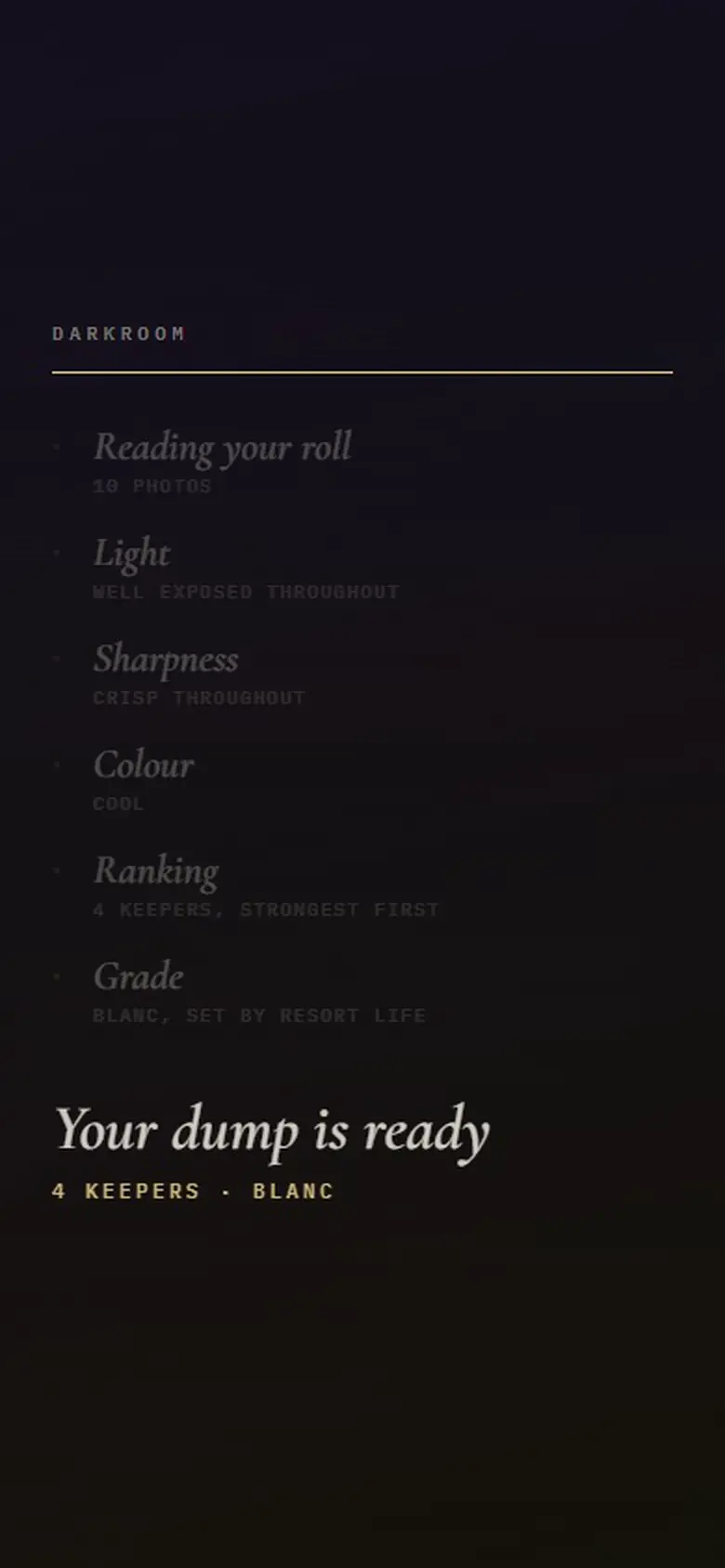
- The vibe is the grade. Each of Aura’s 18 vibes carries one of five colour grades: Amalfi, Parisian, Noir, Blanc or Analogue. It’s applied to every keeper when you analyse.
- One crop for everything. Every photo is centre-cropped to 4:5 portrait at 1080 × 1350, Instagram’s standard portrait size for feed posts.
- Two adjustments. Brightness and warmth let you correct exposure or temperature for the set without changing its look.
- Only the keepers. Editing happens after selection, so you never spend time on a photo that won’t be posted.
Why there’s no filter picker
Aura used to offer a separate grade picker alongside the vibe. It mostly let people contradict the look they’d just chosen, so it was removed: the vibe sets the grade, and the detail sheet shows which one was applied (for example “Blanc · from your resort life vibe”). If you want a different look, pick a different vibe and analyse again.
The five grades and the vibes that use them are listed on the Instagram photo curator page.
What it isn’t
Aura isn’t a general photo editor. There’s no retouching, healing, masking, cropping by hand or RAW development, and it doesn’t generate or change what’s in your photos. It’s for finishing a set for Instagram quickly and consistently. For heavy editing, use a full editor first and bring the results into Aura to curate.
What you export
JPEG photos, graded and cropped to 1080 × 1350, in the order you set, with the caption copied. Where your browser can share files, as on most phones, they go to your share sheet; otherwise they download. See planning the dump for the steps from export to post.
Your photos are processed in your browser
Aura analyses, ranks, grades and crops your photos inside your browser. They aren’t uploaded to do any of that. When it writes a caption, it sends a short text description (your vibe and a one-line reading of each keeper) to an AI model, never the images. The full detail, including what changes if you sign in for Pro, is on the About Aura page.
Questions
What app can edit all my Instagram photos to look the same?
Aura applies one colour grade, set by the vibe you choose, to every photo in a dump, and crops them all to 4:5. You can then adjust brightness and warmth for the whole set.
What size does Aura export Instagram photos at?
1080 × 1350 pixels, Instagram’s 4:5 portrait size, as JPEG.
Try it on your own camera roll
Pick a vibe, drop in the photos and see which ones Aura keeps. It’s free, it runs in your browser, and there’s nothing to install.