The decisions a dump needs
| Decision | How Aura helps |
|---|---|
| How many photos | You set the count before analysis: up to 4 on Free, up to 10 on Pro |
| Which photos | The roll is ranked and the strongest are kept; you can swap any of them |
| The cover | The top-scoring photo leads by default; make any keeper the cover instead |
| The order | Strongest first to start; reorder before export |
| The look | One grade from your vibe across every photo, all cropped to 4:5 |
| How it reads | An Instagram post preview, plus a full-screen preview |
| The caption | Written for your vibe: one on Free, three voices on Pro, with hashtags on Pro |
From plan to post
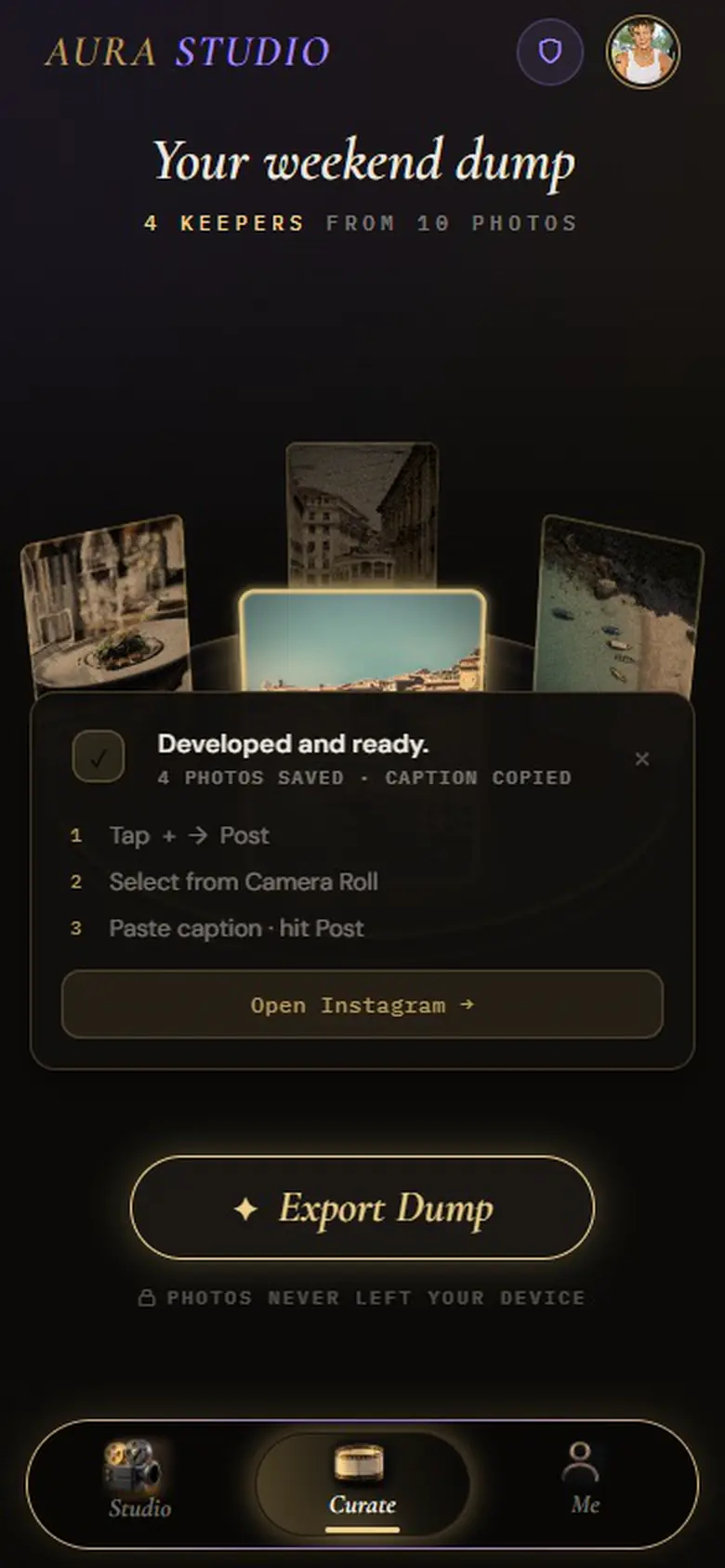
When the plan looks right, export. Where your browser can share files, as on most phones, the finished photos go to your share sheet; otherwise they download. The caption is copied as you export, so posting is three steps in Instagram: tap +, select the photos from your camera roll, paste the caption. Every dump you export is kept on Aura’s Me tab, so you can come back to it (the last three on Free, all of them on Pro).
What it doesn’t plan
Aura plans one post at a time. It doesn’t schedule posts, publish to Instagram for you, or lay out your profile grid. If you want a calendar or auto-posting, pair it with a scheduler; Aura’s job ends with a finished, ordered set and a caption.
Ideas before you start
If you’re not sure what kind of dump you’re making, the Instagram photo dump ideas guide has formats that work, and photo dump captions has lines to adapt. To understand the ranking that drives the plan, see how Aura selects photos.
Your photos are processed in your browser
Aura analyses, ranks, grades and crops your photos inside your browser. They aren’t uploaded to do any of that. When it writes a caption, it sends a short text description (your vibe and a one-line reading of each keeper) to an AI model, never the images. The full detail, including what changes if you sign in for Pro, is on the About Aura page.
Questions
Is there an Instagram photo dump planner app?
Aura works as a planner for a single dump: you set how many photos, it ranks your roll and keeps the strongest, and you choose the cover and order, preview the post as it will look on Instagram and get a caption before exporting. It doesn’t schedule or auto-post.
How many photos should a photo dump have?
There’s no rule; it depends on how many strong, different photos you have. In Aura you choose the count before analysis, up to 4 per dump on Free and up to 10 on Pro, and you can change it and analyse again.
Try it on your own camera roll
Pick a vibe, drop in the photos and see which ones Aura keeps. It’s free, it runs in your browser, and there’s nothing to install.